
How To Use PPAPS
Get started in under 5 minutes. From download to your first past paper — here's everything you need.
Step 1 — Download the App
Visit the download page and grab the latest Android APK. The file is small (under 15 MB) and does not require the Google Play Store.
Go to Download Page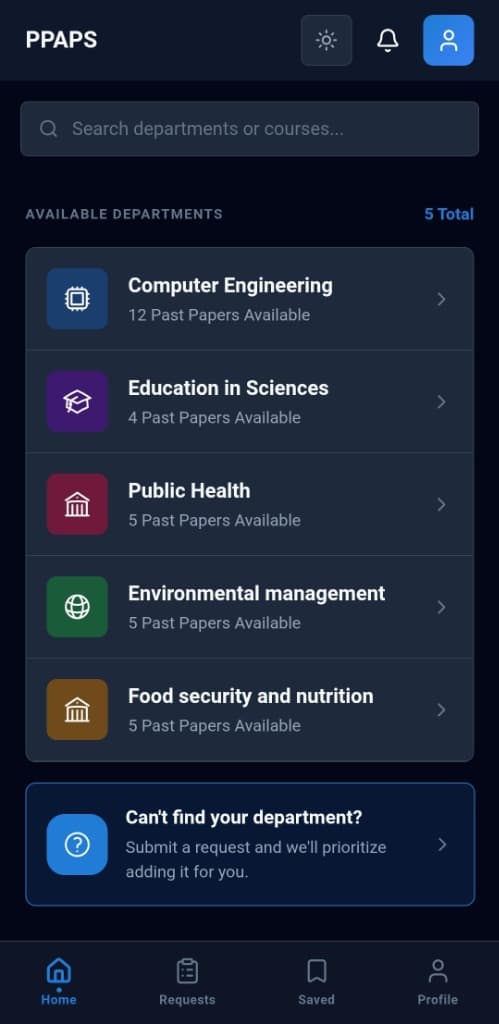
Step 2 — Install on Android
Open the downloaded file. Android will ask you to allow installation from unknown sources — tap Allow. This is standard for apps outside the Play Store.
- Android 8+: Settings → Apps → Special App Access → Install Unknown Apps
- Android 7 and below: Settings → Security → Unknown Sources
Step 3 — Register Your Account
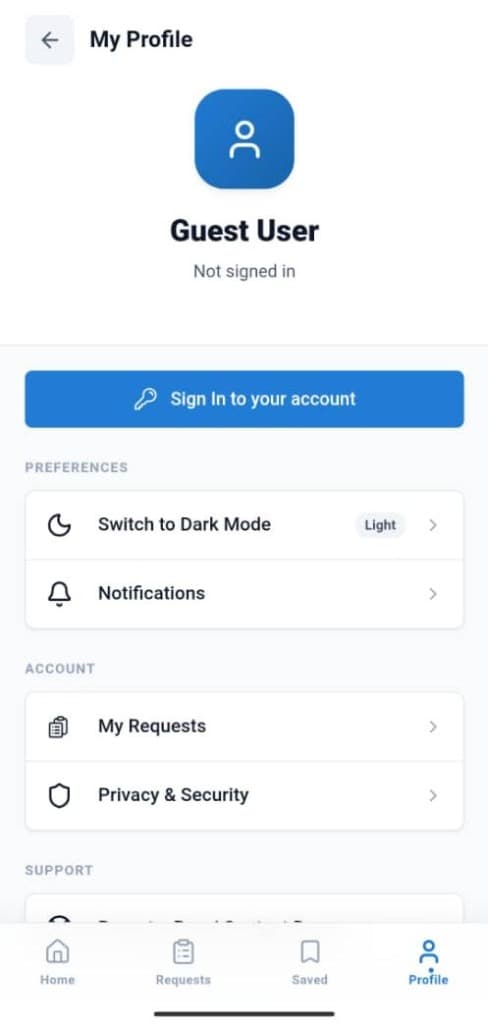
Open PPAPS and tap Sign Up. Enter your name, university email, and a secure password. Your account gives you access to saved papers, requests, and notifications.
Step 4 — Browse Departments & Papers
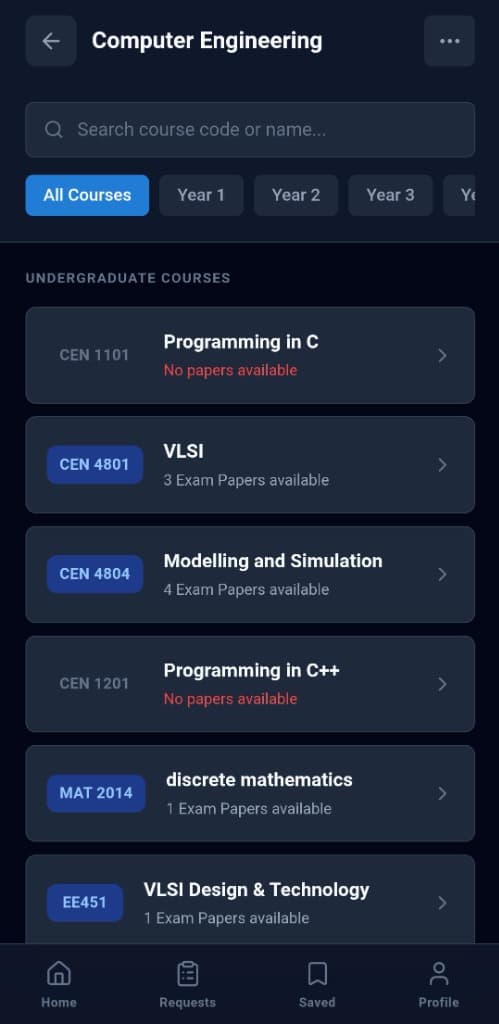
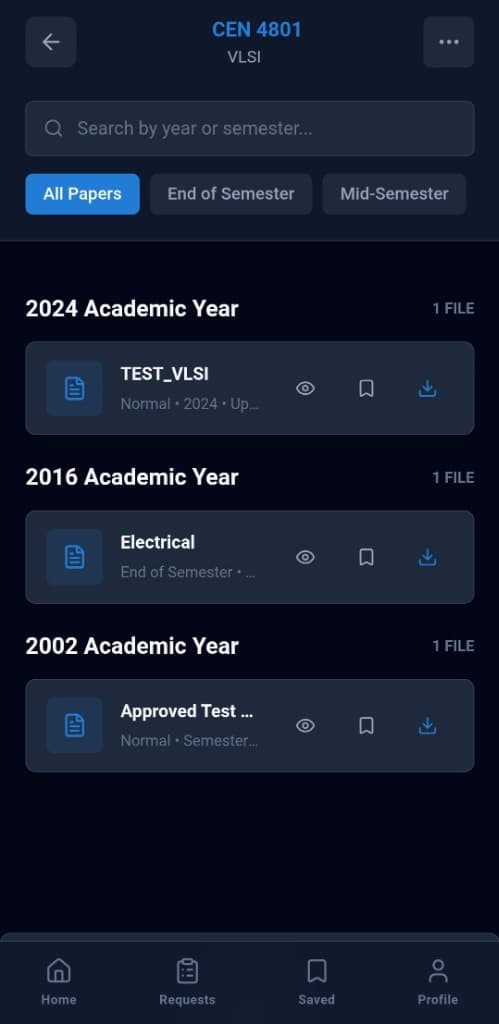
From the home screen, select your department (e.g. Computer Engineering). Then pick your course. You will see all past papers sorted by year and exam type.
Step 5 — Study Offline
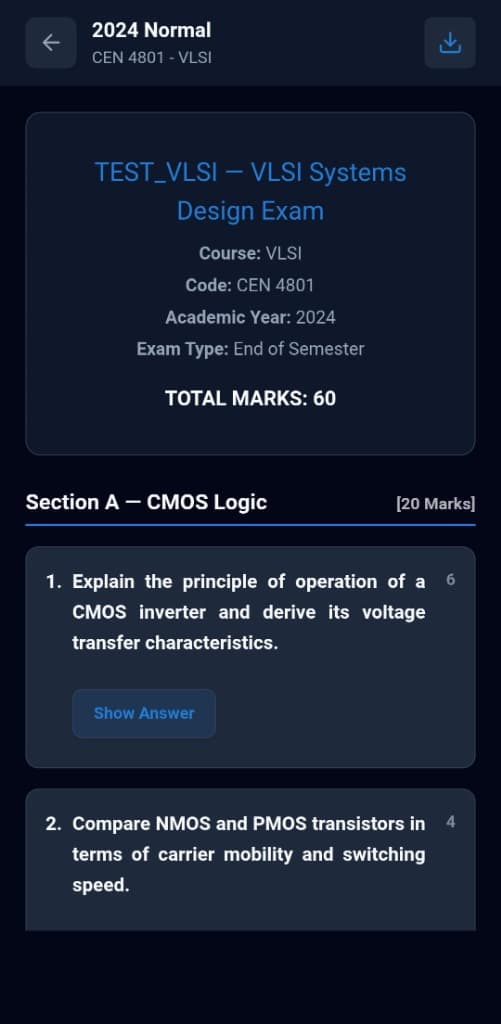
Tap the Download icon on any paper to cache it locally. Once saved, papers are accessible without internet in the Saved tab — perfect for exam prep anywhere.
Step 6 — Get AI Step-by-Step Answers
While reading a paper, tap any question's "Show Answer" button to see a detailed, AI-generated step-by-step solution with mark-scheme breakdown.
Ready to start studying smarter?
Download PPAPS Now